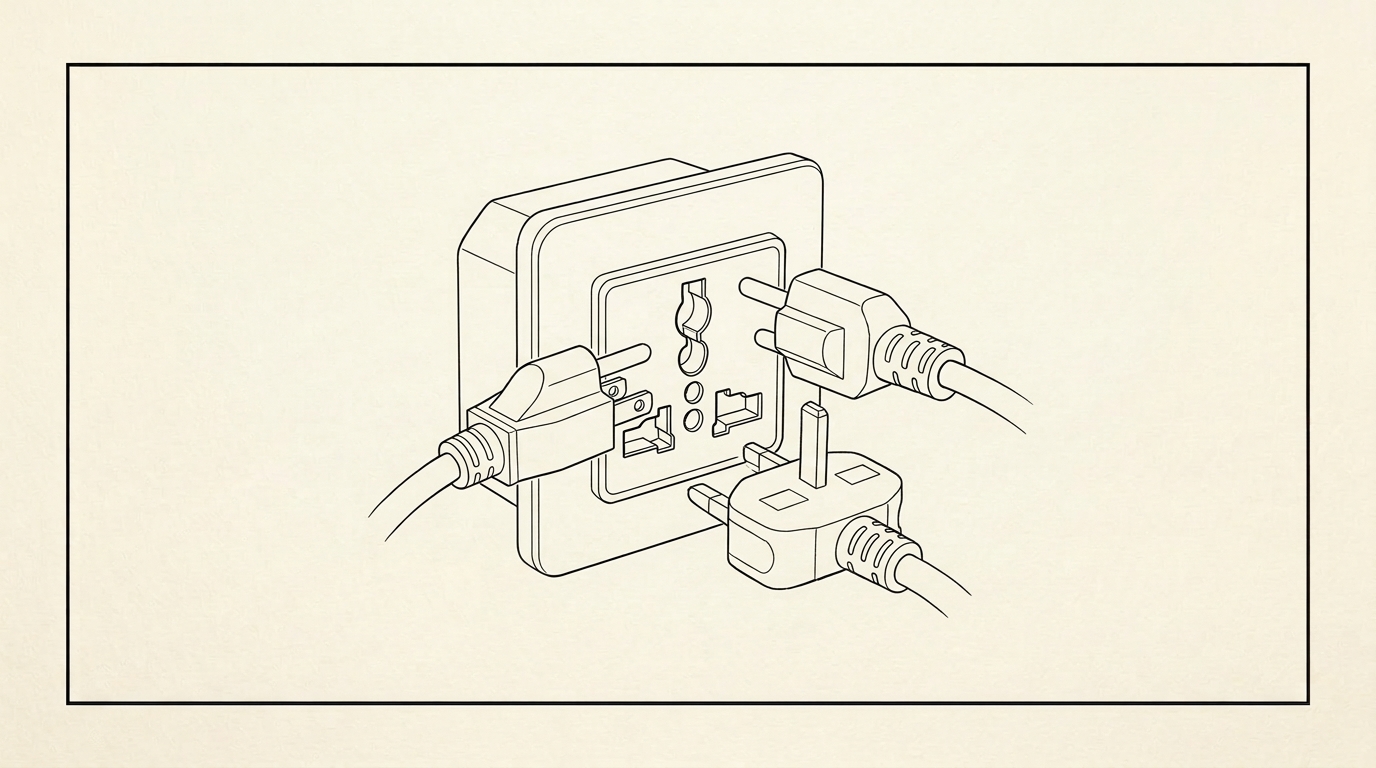
People make MCP sound harder than it is. Let me strip it back.
An MCP server is a list of tools your agent can call. Each tool has a name, a description of what it does, and a schema for the arguments it takes. The agent reads that list, decides which tool fits the thing you asked for, calls it with the right arguments, and uses whatever comes back. That is the whole idea.
If that sounds like a function call over a protocol, it is. The letters stand for Model Context Protocol, but the useful mental model is: it's a way to hand your agent a menu of things it's allowed to do outside the filesystem, in a format the agent can read for itself.
That's the whole post in two paragraphs. The rest is why it matters and what it actually looks like when you use one.
Why the filesystem isn't enough
Claude Code out of the box can read your files, write your files, run your tests, and execute shell commands. For a lot of work, that's plenty. If the job is "refactor this module" or "add a new route to this Next.js app," the agent doesn't need anything beyond the files in front of it.
But most real work isn't like that. Real work hits a point where the agent needs to talk to something that isn't on disk. It needs to query a production database to see what a row actually looks like. It needs to call a live API to check whether a webhook fired. It needs to edit a backend function in a system that lives in a web dashboard, not in a repo.
Before MCP, the way you handled that was: you. You were the relay. The agent would say "I'd like to check this record in your database," and you'd open a dashboard, run a query, copy the result back into the chat, and wait. Then the agent would say "okay, now update this field," and you'd go back and do it by hand. You were a human API.
That's the part MCP fixes. You give the agent a tool called query_database, and it calls the tool itself. You're out of the loop. The session stops being a game of human telephone.
The Xano MCP, concretely
I live in Xano. Most of my client work and most of Snappy itself runs on Xano backends. Before I built the Xano MCP, every session that touched a backend looked the same: agent asks me what an endpoint returns, I open Xano in the browser, I run it, I paste the result back, we move on. Multiply that by forty times a day and you can see the problem.
So I built an MCP server for it. It's the thing at xano.snappy.ai. Here's what the agent actually sees when it connects:
A tool called execute that runs a Xano endpoint with arguments. The agent says "execute this endpoint with this payload," and the server hits Xano, runs it, and returns the response. The agent can now test endpoints without me.
A tool called query that runs a read against a Xano table. The agent can check the shape of data in the database without me running the query in the dashboard.
A tool called tool_search and one called list_all_tools that let the agent ask "what tools are available here?" at runtime. This matters more than it sounds like it does, because it means the agent can discover capability on the fly instead of me pre-loading every tool name into context.
A tool called ai_notes that lets the agent persist notes across sessions — not to the filesystem, but into a table I control. Small thing. Huge difference when sessions span days.
That's most of it. Four or five tools that together replace me as the Xano relay. The first session I ran after shipping that server, I watched the agent test an endpoint, read the response, notice a field was wrong, query the table to confirm, and then write a fix in the repo. I didn't touch a dashboard once. That was the moment I understood what MCP was actually for.
What this looks like in a session
A concrete example from last week. A client Xano backend was returning stale data on one endpoint. Normally I'd open the dashboard, run the endpoint, look at the response, check the underlying query, find the cache, clear it, test again. Maybe ten minutes of browser work.
Instead I said: "Something's wrong with the get_invoices endpoint. Figure it out."
The agent called execute on get_invoices. Looked at the response. Called query on the invoices table to confirm what was actually in the database. Noticed the mismatch. Called tool_search to see if there was a cache-related tool. There wasn't, so it read the endpoint definition through another tool, found the cache directive, suggested a fix, and waited for me to approve it. Total human time: about sixty seconds of reading.
That's the shape of a session with the right MCP in place. You stop being the bottleneck between the agent and the system it's trying to work on.
When you should actually build one
Not often. Building an MCP server is a tax, and most of the time the tax isn't worth it.
Build one when you are doing the same manual relay more than a few times a week. If you find yourself copy-pasting between the agent and the same dashboard every day, that's the signal. If you only hit that system once a month, don't bother — write a skill that tells the agent how to ask you, and move on.
Build one when the system has a stable API you can wrap. If the thing you want to expose changes its interface every week, the MCP will be out of date every week and you'll hate it.
Don't build one because MCP is trendy. MCP is trendy. It's also fiddly, and a half-built MCP server is worse than no MCP server because the agent will try to use it and fail. Start with tools that already exist. The Xano MCP exists because I needed it and nobody else had built it. If someone had, I would have used theirs.
The mental shift
Here's the part I want you to take away. Once you have an MCP server in your stack, you stop thinking about "what can the agent do?" and start thinking about "what tools does the agent have?" It's the same question rephrased, but the rephrasing changes how you build.
You start designing your own systems so that an agent can drive them. You expose the things you used to click. You write endpoints that return JSON instead of HTML. You stop building dashboards for yourself and start building tools for your agent, which — plot twist — turn out to be better for you too, because anything a machine can call, you can script.
That's the unlock. The MCP isn't a feature. It's a forcing function that makes your stack agent-drivable, which makes it you-drivable at a level you never bothered with before.
Try it
If you want to see a Xano MCP in action on a real codebase, that's one of the things I walk through in the free course in the Snappy community on Skool. I show the tools, the sessions, and the specific moments where the relay disappears. Join at skool.com/snappy.
— Robert